Fundraiser & Party Trivia Night Software for Large Crowds
Run a polished 50-table charity night, PTA fundraiser, wedding reception or New Year’s party with live phone scoring and big-screen leaderboards, without paying $150+ for enterprise software.
- $15 one-time Event Pass covers 14 days and up to 300 tables, zero auto-renewal
- Zero volunteer grading needed: instant scores keep the night moving
- Mix general knowledge, picture rounds and sponsor shout-outs in minutes
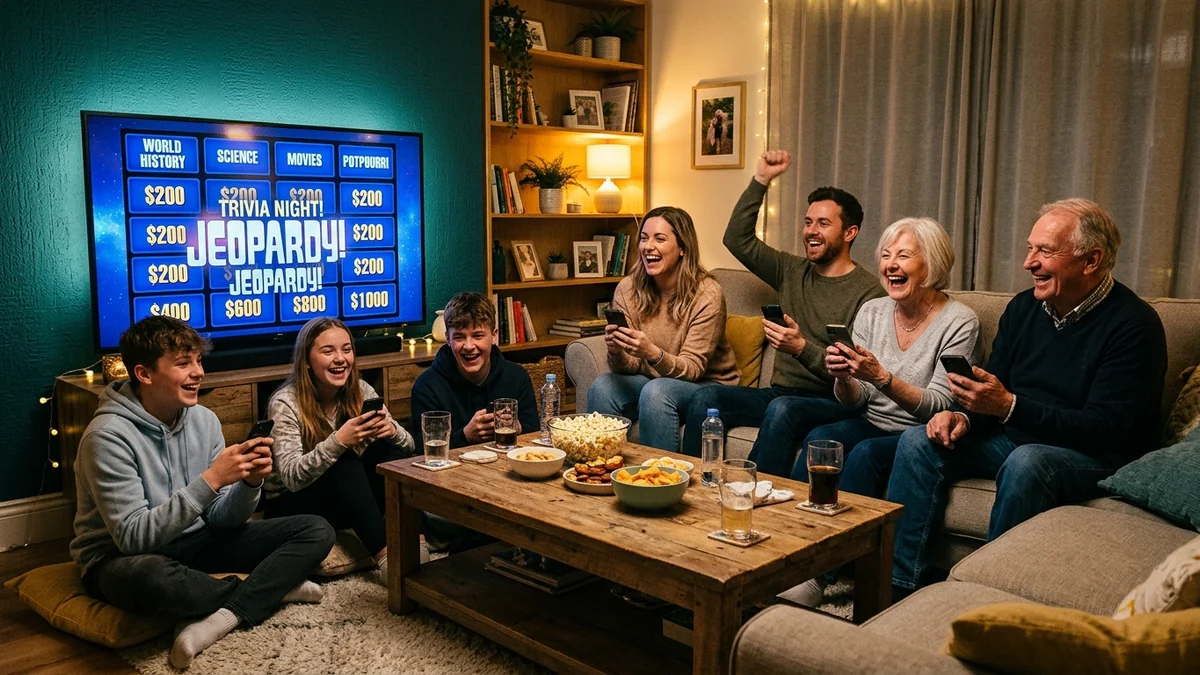
More fundraising energy, fewer volunteers stuck grading
Running a 30-table charity night by hand
- Recruiting 4 volunteers just to collect, grade and tally paper sheets
- 20-minute dead zones between rounds while people wait for standings
- Paying $50 to $200+ for one-night enterprise event trivia licenses
- Worrying about forgetting to cancel a recurring SaaS subscription afterward
Hosting your big event on TriviaBeam
- Every table scans the projector QR code and plays on one phone
- Scores and top-10 leaderboards flash onto the big screen seconds after reveal
- Pay $15 once for a 14-day Event Pass: practice a week ahead, host event night, done
- Keep every dollar possible for your charity or school fundraiser
Everything a one-night large event needs
14-day Event Pass built for single events
Buy the $15 pass a week before your fundraiser to build and rehearse your game, run event night with up to 300 tables, and never worry about canceling a subscription.
Big-screen TV & projector mode
Clean, high-contrast typography readable from the back of a gymnasium, banquet hall or wedding tent.
22 ready-made packs including photo & audio rounds
Unlock crowd-pleasing picture rounds (landmarks, food, animals, famous faces) and audio clips that get the whole hall buzzing.
Zero app downloads for mixed-age crowds
Grandparents, parents and college students all join effortlessly through their regular phone camera and browser.
Custom sponsor or honoree questions
Easily weave in questions about your charity’s mission, local sponsors, the wedding couple or your graduating class.
Full post-event standings report
Review every team’s final score immediately so you can announce raffle winners, tie-breakers and prizes with confidence.
How to pull off a smooth fundraiser trivia night
- 1
Build your rounds a week ahead
Mix clues from our 22 ready-made packs with custom rounds about your cause, school or guests of honor. Test the whole board free.
- 2
Unlock up to 300 teams with the $15 Event Pass
One click upgrades your account for 14 full days with no auto-renewal, giving you time for a dry run with committee volunteers before doors open.
- 3
Project the QR code and host the room
Put the audience display on the hall projector, run the show from the stage on your laptop or phone, and celebrate winners on the live podium.
Ready-made trivia packs to launch tonight
New Year's Eve Trivia (32 free clues)
Festive four-round crowd pleaser for holiday parties and countdowns.
Harry Potter Trivia (32 free clues)
High-turnout themed fundraiser topic for schools and libraries.
Animal Photo Safari & Food Detective (Library)
Visual multiple-choice rounds that keep mixed-age tables laughing.
Why event organizers pick the $15 Event Pass
Most trivia platforms lock 100+ team rooms behind $50 to $199 event plans or recurring subscriptions. TriviaBeam’s $15 Event Pass gives you 14 days of 300-team capacity and all 22 packs with zero auto-renewal.
Frequently asked questions
How does the $15 Event Pass work for a one-night fundraiser?
You pay $15 once and get full Pro features (up to 300 teams per room and all 22 library packs) for 14 days. It expires automatically after 14 days and never auto-renews.
Can we run a rehearsal with volunteers before event night?
Yes. You can build and test your game with up to 5 teams free anytime, and once you buy the 14-day Event Pass you can open unlimited practice rooms during those 14 days.
How many guests can play in a 300-team room?
If each table of 6 to 8 guests shares one captain’s phone as a team, 300 teams easily covers over 1,800 attendees in a single room.
Can we add custom questions about our nonprofit sponsors or wedding couple?
Yes. Use the editor to write your own rounds, upload clue photos or import a CSV spreadsheet alongside ready-made library questions.
What internet setup do we need at a banquet hall or school gym?
The host laptop and display need stable Wi-Fi or a hotspot, and one person per table connects on venue Wi-Fi or mobile cellular data.
Is TriviaBeam easy for older guests who are not tech-savvy?
Yes. Only one person per table needs to scan the QR code or type the short room link, pick a team name and tap answers on a clean large-button screen.